Thursday, December 31, 2009

Happy New Year!

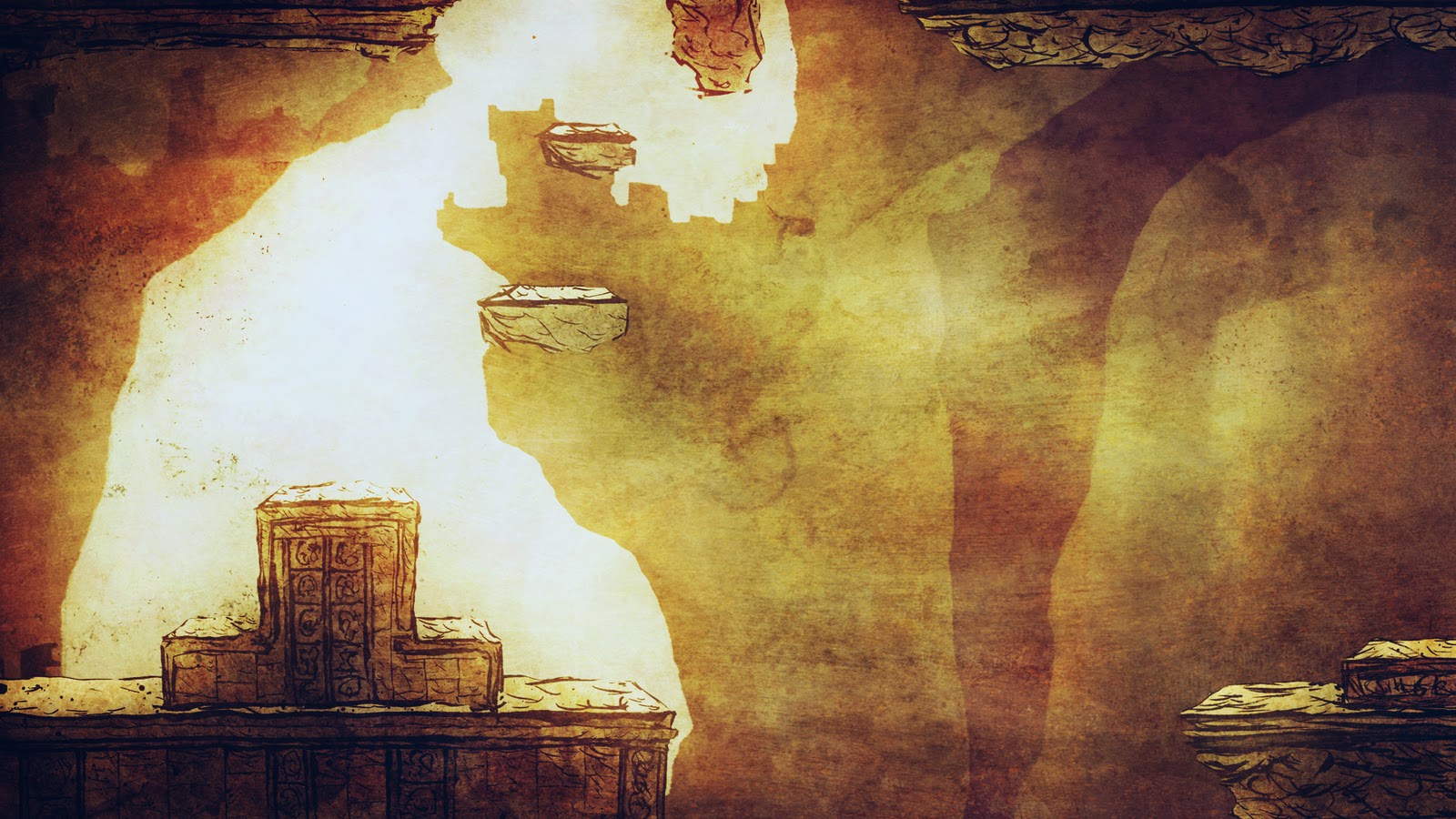
Taking a bit of a break from my Eduardo posts (I will return to that again) I'd like to start showing more non-Eduardo work into this blog. I've been doing some concept work for personal projects, and recently started making art for someone else's game, an unannounced project.

It's a sidescrolling game, and the first thing I did was create some bricks. I just had the idea "bricks" and went from there, with no real idea how everything would end up. It's a fun and adventurous way of making art at times, though usually I have a clearer idea of what I'd like the finished project to look like before I start. This time though I only saw one step ahead the whole way through.

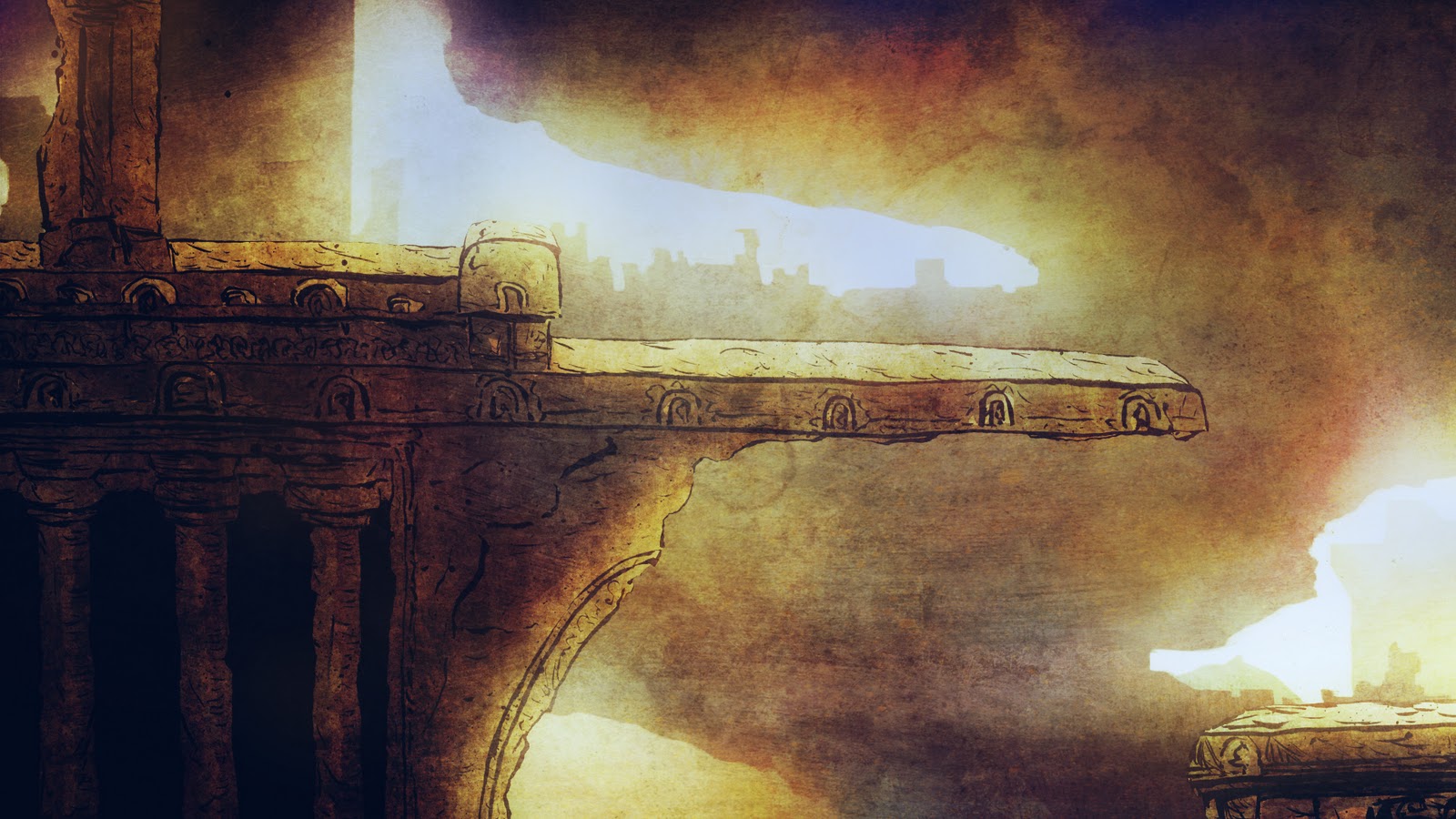
I finished the middleground first, thought it could use some vines, then started work on a suitable background. Everything was done on computer obviously, but I used textures that I created with traditional media and layered them together. Similar to the proccess I used in some levels in Eduardo but more refined, and using many more layers.


(click for full view)


Below is the background I made using a lot of the same textures.


I love creating art for games so if any of you reading this are programmers in need of an artist for your game, drop me a line and I'd love to talk. I'm going to be creating art for my portfolio anyhow, so it might as well be for an actual game.

-Daniel

Wednesday, November 25, 2009

ASSETS: LEVEL 4

Level 4 was another one of those very early concepts that evolved over the years. The basic idea was to make a level using assets similar to those from the first area of the game and transport them into a grainy black and white movie world. Everything in the middleground was in silhouette and this idea lasted until we brought the game over to WiiWare. For gameplay purposes silhouetting simply wasn't going to work; there was just too much going on and you wouldn't be able to tell what's what.

Below is a rough timeline showing how the look changed (click for full size):


Note that this isn't a complete, comprehensive look at the silhouette theme. I want to show how the cloudy silhouette theme changed. In a future post I will show discarded areas and different versions of this theme, and the Torque Eduardo screenshot is a glimpse of that.

As usual, very few assets were used to make up this level. Many of them based on assets from level 1.

(click for full size)


Below is a reference mock-up using final assets.


(click for full size)


And here's an in-game screenshot from the final game:

(click for full size)


The grain is exaggerated in the screenshots--don't ask why. It should look more subtle on your tv screen. Of course, as it always happens, whenever I look back at the game I feel like changing this and that and in this case toning down that grain a bit. But that's okay, I'm satisfied with the end result all things considered. Take what you learn from the past and apply it to whatever you do next, right?

-Daniel

Wednesday, November 4, 2009

ASSETS: Levels 2 & 3

Level 2 and 3 both have assets based on those from the first area. Long ago in one version of Eduardo we were going to split up levels into worlds-levels, similar to something like Super Mario Bros. 3. World 1 would have its own theme, world 2 its own theme, etc. This carried over into the final version of Eduardo in a couple of ways: the first three levels and then the final level which is split up into four parts. At one point we had a bamboo world with three different variations and I hope to delve into that later on.

I've mentioned in previous blog posts about how my own process of asset creation changed over the years, and level 2 represents an example of some older sensibilities. I was inspired by some Japanese woodblock prints for this level, for the background sky and the bridge which you happen upon toward the end of the level. By "inspire" I mean that I rather shamelessly recreated the bridge from one particular print:


I changed it a bit but it was a pretty close recreation done in photoshop. If I were to do something like that today it would look completely different, and most likely be done on paper first. I always try to improve my processes and techniques, and this is an example of learning from working.

So just like level 1, level 2 had to use very few assets, shown below (not pictured: the overlays used, which in most cases were the same ones from the first level).

(click for full size)

Concept image using assets from the game:
(click for full size)


Onto level 3.

Similar as before, but as the only vertically-scrolling level I decided to add a few more hills for the parallax layers. I rather like the way this one came out. It's also the only level where I didn't create the background from scratch. It worked best to use a real space photograph and add a bit of color to the bottom of it.

(click for full size)

That's all for now!

-Daniel

Thursday, September 24, 2009

Assets: Level 1

With Eduardo I wanted to be able to bring something visually different to games. From the beginning of development where I didn't know what I was doing up until we sent the game to Nintendo, I just wanted to do something different, something aesthetically appealing or interesting. I took a lot of risks--some paid off and others didn't. The way I've always worked is that I have an idea and I go for it. Essentially I work and learn and refine until I'm satisfied. I work as much as I can and learn while I'm creating.

I had this vision of doing something unique with Eduardo's visuals, but I also had to deal with technical limitations. Our total file size was very low, and if I had it my way I would have created each level as layers of unique drawings instead of repeating patterns that have to be used over and over again. I decided to save a lot of space for the finale of the game as detailed in this post, so the challenge was to come up with nice-looking locales using as few assets as possible.

The first level's assets come to a little over 1MB as png files. The way we did the terrain for almost all of the levels was by using a single repeating texture, usually one just 256x256 pixels, and filled in a polygonal mesh. To get the best visual effect possible we had to forgo this method for many of the background layers, even when they were comprised of similar repeating textures. For example, in level 1 I wanted two parallax scrolling hills in the background which needed to have a shadowy gradient, and it looked best when we merged the gradient with the hills themselves. So in some cases we used big images instead of polygonal meshes. In all middleground cases aside from the last level and the shmup levels, however, polygonal meshes were used.


(above: 256x256 repeating texture used in level 1)


I laid out
all of the levels in programs like photoshop. In most cases I could figure out how an entire level would look within a single 854x480 image since we had to repeat about a single screen's worth of images over an entire level. We had to make repetition work, and I think we were able to pull it off successfully.


(above: a photoshop mock-up using assets from the game. click for larger image)
(below: screenshot from the game.
click for larger image)


Here are the assets used for the environment in level 1, layered on top of each other:


I usually had a few parallax scrolling background layers and every level aside from a few used overlays. They were simple gradients and textures placed over everything else for added polish. For the first level we also had petals dropping in the foreground. I show one such petal in the above image but we actually used four images as an animation.

It can be a fun challenge to work within such limitations, so please don't take my comments as being resentful over the process. It was a tremendous opportunity to make a game for a major platform and I always love a good challenge.

Next time: Level 2.

-Daniel

Ich bin zurück

Now that Eduardo has been out for a few months and people have had a chance to play it (and hopefully derive some enjoyment from the experience), I think it's time that I finished the job I started here.

The main purpose for creating this blog was to detail my process in creating the art for Eduardo. Starting now I am going to go level-by-level and show how I put together assets for the game. I'll try not to repeat myself, so for certain levels where I previously went into detail about art creation I will skip over those details but provide a link to previous posts.

That's the goal, but if there is anything anyone would like to know about any aspect of Eduardo, send me an email (daniel [ a t ] semnatstudios.com ) or leave a comment below and I'll do my best to answer your questions.

Daniel

Monday, June 8, 2009

It's coming!

We found out just hours after I made that last post but wanted to wait until today to make the announcement. But Eduardo is ready for release in N. America: next monday! Just 800 points. Not bad, eh?

Thursday, June 4, 2009

Updates

We have an updated trailer up on the Nintendo Channel (viewable through the Wii itself). It was on the last page the other day, hopefully it's still there now, somewhere. We should also have some stuff put up on nintendo.com tomorrow.

Now we're just anxiously awaiting the release, hoping we pass lotcheck soon. Cross your fingers, folks.

My plan is to be updating the blog more often as soon as the game comes out. That way people will have a bit more context for the behind-the-scenes stuff.

So anyhow, since Eduardo has been finished for a while now we've been working on a prototype for a possible second project, and I've been experimenting with different art processes to see what direction I want the art to take. I'm not going to show any of that, but I thought it would be fun to recreate a screen from one of the 2D Metroid games (a favorite series of mine) using the process I'm currently messing around with. I laid out all of the inks with a bamboo stick two nights ago right before going to bed, and then spent a few hours trying to get some decent colors in photoshop. This is just a recreation of a scene, we're not actually making a Metroid game.

Here you go.